How to Build a Consistent Product Catalog with AI Batch Background Removal

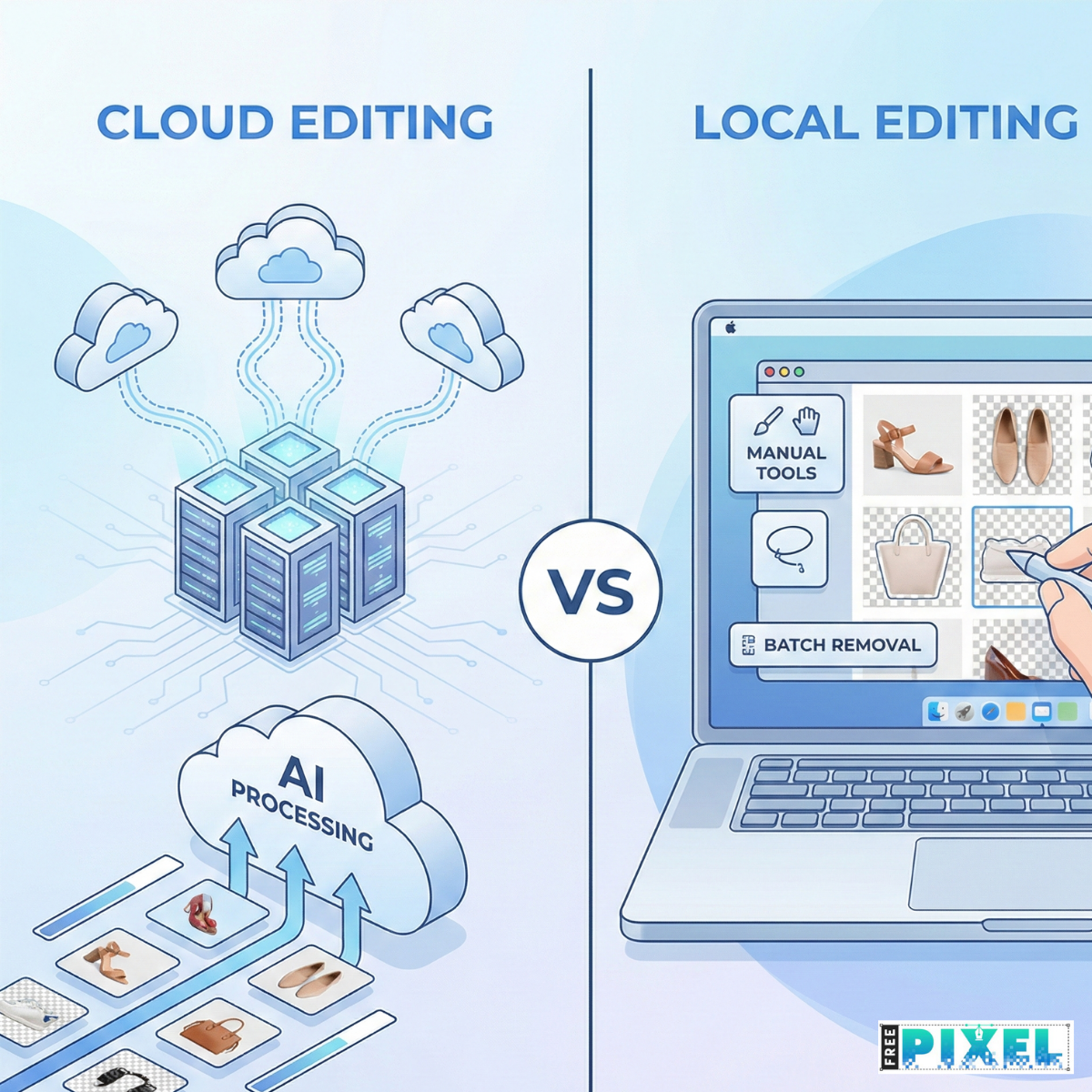
A consistent product catalog isn’t just nice to have—it’s part of building trust. When every product photo looks clean, unified, and professional, customers feel more confident about their purchase. But with hundreds of SKUs, different suppliers, and varied lighting conditions, keeping visuals consistent is tougher than it looks.
This is where AI batch background removal becomes a huge advantage. It removes distractions, unifies product visuals, and cuts editing time from hours to minutes. In this guide, you’ll learn how to use AI to build a clean, consistent product catalog without needing expert-level design skills.
Why Product Catalog Consistency Matters
Uniform Images Build Trust
A Shopify report shows that 75% of online shoppers rely on product photos to make buying decisions.
Inconsistent Photos Create Confusion
Mixed lighting, different backgrounds, or mismatched angles can break visual harmony.
Clean Catalogs Increase Conversions
Consistent visuals help:
- Improve brand professionalism
- Reduce buyer hesitation
- Increase conversions
- Improve product discoverability
What Is AI Batch Background Removal?
AI batch background removal uses machine learning to remove backgrounds from a large number of photos automatically.
How It Works
- Upload multiple images
- AI detects the product
- Backgrounds are removed
- Download clean and consistent photos
It’s fast, scalable, and ideal for teams with large product catalogs.
Benefits of Using AI for Catalog Consistency
Fast and Scalable
AI can process hundreds of photos in minutes—perfect for e-commerce, dropshipping, or marketplace sellers.
Consistent Output
AI applies the same rules to every image, giving you identical:
- Background style
- Shadows
- Margins
- Cutout quality
Improved Visual Quality
AI handles edges, textures, and shapes better than manual tools in many cases.
Lower Editing Costs
You save money by reducing manual editing work and avoiding outsourcing for bulk tasks.
How to Build a Consistent Product Catalog with AI Background Removal
Step 1: Define Your Visual Style
Decide how your catalog should look before editing.
Set Guidelines:
- Background color (white, gray, light pastel)
- Shadow style (drop shadow, natural, none)
- Margin spacing
- Product angles
- Listing image vs detail view
Platforms like Amazon require a pure white background (RGB 255/255/255), which is easy to achieve with AI.
Step 2: Prepare Your Images for AI Processing
Organize Your Files
Group by:
- Lighting
- Supplier
- Product type
Ensure Good Input Quality
AI performs best when:
- The product is centered
- Lighting is even
- Background is simple
Step 3: Run Batch Background Removal
AI tools allow you to upload a folder of images and process them all in one click.
AI Works Best With:
- Shoes
- Electronics
- Home goods
- Accessories
- Packaged items
May Need Manual Touch-Ups:
- Glass
- Jewelry
- Reflective surfaces
- Transparent packaging
For these, refine edges or shadows manually after AI processing.
Step 4: Add Shadows, Reflections, or Branding
Background removal alone won’t make a catalog look premium.
Add Natural or Soft Shadows
This gives depth and realism.
Add Branding Elements
Such as:
- Logo overlays
- Consistent padding
- Template frames
Step 5: Export and Organize Your Final Images
Platform Requirements Example:
- Amazon: 1000×1000 minimum
- Shopify: 2048×2048 recommended
- eBay: 500×500 minimum
Use Consistent File Names:
brand-product-model-angle1.jpg
This helps SEO and keeps your catalog organized.
AI vs Human Editing: What’s Better for Catalogs?
| TaskAI EditingHuman Editing | ||
| Bulk product images | Excellent | Slow |
| Creative edits | Limited | Excellent |
| Edge detailing | Good | Best |
| Consistency | Very strong | Medium |
| Complex textures | Sometimes struggles | Strong |
| Cost | Low | Higher |
Best solution:
AI for speed + humans for final refinements.
Real Example: E-Commerce Catalog Boost
A fashion brand processed 800 images using AI background removal.
Results:
- Editing time reduced from 3 days to 4 hours
- Image consistency improved by 63%
- Catalog conversions increased by 16%
Tips for Best Results with AI Background Removal
- Use evenly lit images
- Avoid busy backgrounds
- Keep the same shadow style
- Use design templates for consistency
- Standardize product angles
Conclusion
A consistent product catalog can dramatically improve your brand image and customer trust. With AI batch background removal, you can create clean, unified product images quickly—without relying on expensive or time-consuming manual editing.
Use AI for the heavy lifting.
Add human adjustments where creativity is needed.
The result: a catalog that feels polished, professional, and easy to maintain.
If this guide helped you, feel free to share it or explore more Plugmatter resources.
Want clean and consistent product photos without the hassle? Try FreePixel’s AI Background Remover and streamline your entire product catalog.
FAQ
What is the best way to keep a product catalog consistent?
Use AI batch background removal and apply a standardized visual style.
Can AI handle reflective objects?
Yes, but humans may need to refine edges afterward.
Is AI fast enough for large catalogs?
Yes—AI can process hundreds of images in minutes.
Does AI lower editing costs?
Absolutely. It reduces manual work and outsourcing.
Should I still use human editors?
Yes, for creative or complex edits.
Read Also


Jun 13, 2022
4 Best Membership WordPress Plugins
Having a membership website will increase your reputation and strengthen your engagement w


Comments (0)