Case Study: How Clean Product Photos Reduced Returns and Boosted Sales for an Online Store

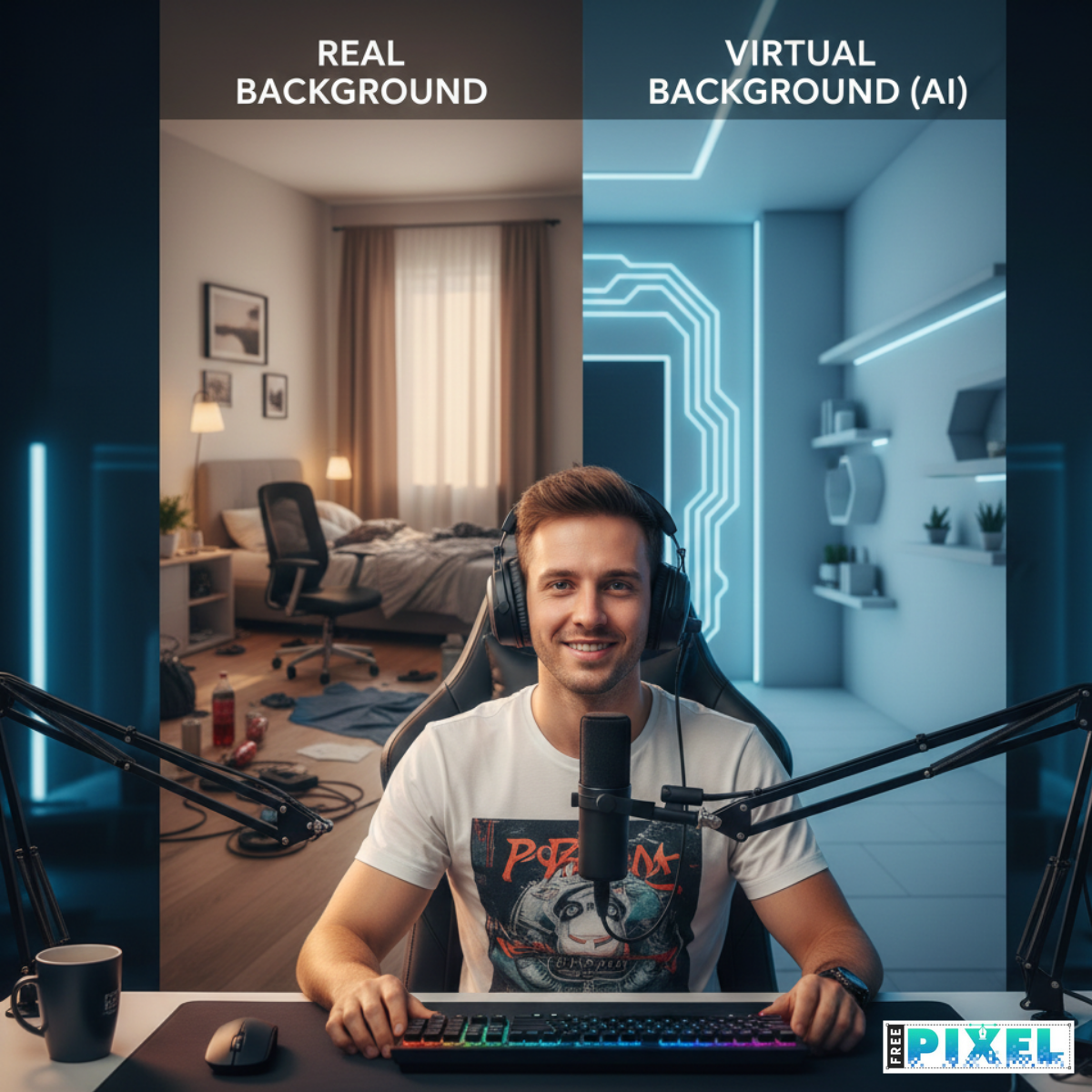
Product photos are often the first thing customers notice on an online store. They shape expectations, influence trust, and play a major role in buying decisions. In this case study, we explore how clean product photos helped a mid-sized ecommerce store reduce returns, improve customer satisfaction, and boost sales—without changing pricing, branding, or website design.
This is a practical breakdown showing how small visual improvements can generate meaningful business results.
What Clean Product Photos Actually Mean
Clean product photos are images that:
- Show the product clearly
- Use simple, distraction-free backgrounds
- Maintain consistent lighting and angles
- Reflect accurate color and size
- Build instant trust
When customers know exactly what they’re buying, they make fewer mistakes—and return fewer items.
The Store Behind This Case Study
The store sells home and kitchen products across the U.S., U.K., and India, receiving 20k–30k monthly visitors. Despite steady traffic, the team struggled with:
- A high return rate (12.4%)
- Low conversions on several bestsellers
- Complaints about items “looking different in real life”
- Inconsistent images across product categories
- Slow page load times due to heavy, unoptimized images
A pattern emerged in customer feedback:
Shoppers weren’t confident in what they were seeing.
Why Clean Product Photos Impact Returns and Sales
Visual clarity reduces uncertainty
75% of online shoppers rely heavily on product photos before purchasing (Shopify Research, 2023).
Consistent visuals improve brand trust
Uniform backgrounds and angles help stores appear more credible.
Clean images perform better on mobile
With 43% of ecommerce purchases happening on mobile (Statista, 2024), clear visuals matter even more.
AI tools make clean photos achievable
Modern background removal tools deliver crisp, consistent results at scale.
Changes the Store Made (Broken Down Step-by-Step)
Step 1 — Standardizing Lighting, Angles, and Composition
The store created a simple style guide:
- Uniform lighting
- Consistent camera angles
- Clean white or gray backgrounds
- Minimal shadows
This alone made the storefront look more professional.
Step 2 — Using AI Background Removal for Clean Cutouts
Instead of manual editing, the team used AI to clean up product images.
Benefits:
- Faster turnaround
- Consistent backgrounds
- Sharper, clearer subject edges
- Accurate colors
- Lower editing costs
This step was critical in improving overall clarity.
Step 3 — Adding Lifestyle Photos for Context
To complement clean cutouts, they added:
- Kitchen scenes for cookware
- Dining setups for serveware
- Desk scenes for organizers
This improved emotional appeal while keeping expectations realistic.
Step 4 — Optimizing Image Size and Format
They switched to WebP files, reducing average image size by 41%.
This led to:
- Faster load times
- Better SEO
- Lower bounce rate
- Higher conversions on mobile
Step 5 — Updating Product Descriptions
Cleaner photos made it easier to write simpler, more accurate descriptions.
This helped set realistic expectations and reinforced trust.
Results After 60 Days
Return Rate Decreased by 28%
From 12.4% down to 8.9%.
Conversion Rate Increased by 19%
Cleaner visuals encouraged higher purchase confidence.
Customer Complaints Declined
Especially around color accuracy and product appearance.
Average Order Value Increased by 8%
Better visuals improved upsells and bundle purchases.
Publishing Speed Improved by 40%
AI background removal eliminated slow manual editing steps.
Key Lessons for Other Online Stores
Clean visuals can directly improve performance. Here’s what this case teaches:
- Customers buy with their eyes.
- Consistent, clean photos reduce uncertainty.
- Fewer surprises mean fewer returns.
- AI tools make high-quality images accessible to everyone.
- Faster images improve both SEO and conversions.
Small improvements add up to big business outcomes.
ALT Text Examples (If You Add Images)
- “Before-and-after comparison of a product photo with a clean white background.”
- “Kitchen product photographed with consistent lighting for an online store.”
- “AI-generated product cutout image used for ecommerce listings.”
Conclusion
This case study shows how clean product photos don’t just “look better”—they help reduce returns, increase conversions, and build trust. By using simple guidelines and AI-powered background removal, the store improved its customer experience and saw measurable results in just two months.
If you want more ecommerce insights, optimization tips, and workflow case studies, feel free to follow, comment, or explore related posts.
Want cleaner product photos without the extra editing time? Try FreePixel’s AI background removal tools and streamline your entire visual workflow.
FAQ
Why do cleaner product photos lead to fewer returns?
They give customers a clearer picture of what they're buying, reducing mismatched expectations.
How does AI background removal help?
It produces consistent, distraction-free photos quickly and affordably.
Does photo quality affect conversions?
Yes. Clear visuals make it easier for customers to trust the product.
Which formats work best for ecommerce?
WebP for speed, PNG for transparency, JPG for standard use.
Is this approach expensive for small stores?
Not anymore. AI tools make it cost-effective and scalable.
Read Also


Jun 13, 2022
4 Best Membership WordPress Plugins
Having a membership website will increase your reputation and strengthen your engagement w


Comments (0)