AI Background Remover: Key Factors That Affect Results

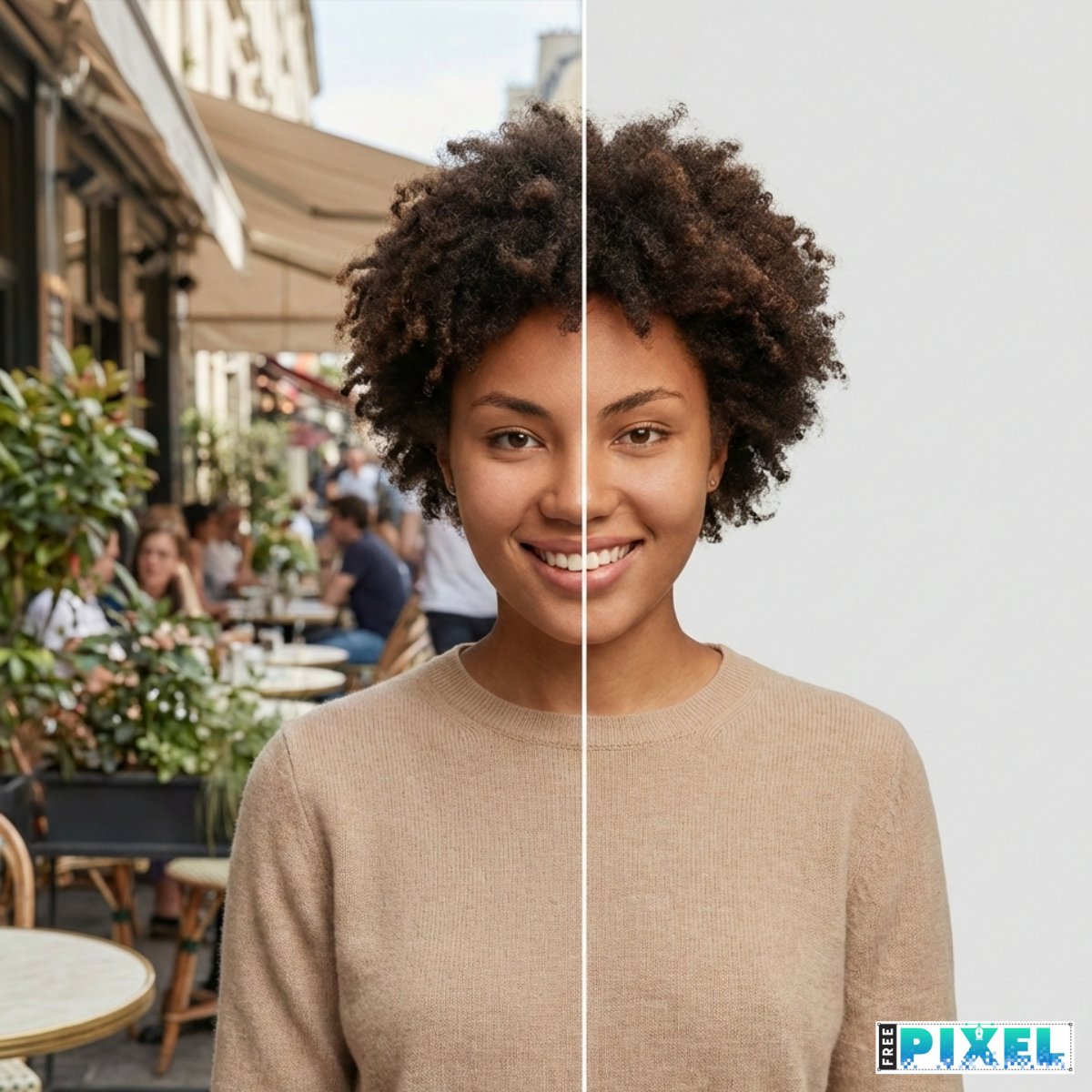
An AI background remover can save hours of manual editing. But results are not always perfect. Sometimes edges look rough. Sometimes hair gets clipped. Sometimes shadows disappear when they should not.
So why does this happen?
The quality of results from an AI background remover depends on several visual and technical factors. Understanding these factors helps you get cleaner cutouts, choose better source images, and avoid common mistakes—especially when working with product photos, portraits, marketing creatives, or bulk image processing.
This article breaks down the key factors that affect AI background removal results, explained simply and backed by real-world use cases.
What Is an AI Background Remover?
An AI background remover uses computer vision and machine learning models to separate the main subject (foreground) from its background.
Most modern tools rely on:
- Semantic image segmentation
- Edge detection models
- Deep neural networks trained on millions of labeled images
Research from Google AI and Meta AI shows that segmentation accuracy improves when models are trained on diverse datasets covering lighting, textures, and object types. But even advanced models still depend heavily on the quality of the input image.
Key Factors That Affect AI Background Remover Results
1. Image Quality and Resolution
This is the most important factor.
AI models analyze pixels. When pixels are blurred, compressed, or missing, the model has to guess.
High-quality images usually have:
- Clear focus
- Resolution above 1000 pixels on the longest side
- Minimal compression
Low-quality images often result in:
- Jagged edges
- Missing subject details
- Inaccurate cutouts
If you cannot clearly see the edges yourself, the AI likely cannot either.
2. Subject–Background Contrast
AI performs best when the subject clearly stands out from the background.
Good contrast examples:
- Dark object on a light background
- Light subject on a dark backdrop
- Solid or neutral backgrounds
Poor contrast examples:
- White products on white backgrounds
- Hair that matches the background color
- Subjects blending into busy scenes
Low contrast forces the AI to rely on probability rather than certainty, which increases errors.
3. Lighting Conditions
Lighting defines edges and depth.
Good lighting:
- Even and soft
- No harsh shadows
- Consistent color temperature
Problematic lighting:
- Strong directional shadows
- Overexposed highlights
- Mixed indoor and outdoor light
Shadows often confuse AI models, causing them to be removed or misclassified.
4. Edge Complexity (Hair, Fur, Transparency)
Edges are the hardest part of background removal.
AI struggles most with:
- Hair and fur
- Glass and reflections
- Smoke or motion blur
- Sheer or transparent fabrics
These elements require alpha matting rather than simple cutouts. While modern tools handle this better than before, perfect results are still not guaranteed.
5. Background Complexity
The simpler the background, the better the result.
Easy backgrounds:
- Studio backdrops
- Solid colors
- Minimal textures
Difficult backgrounds:
- Trees, grass, and foliage
- Crowded indoor scenes
- Repeating patterns
Complex backgrounds increase the chance that the AI removes part of the subject or keeps unwanted background fragments.
6. Subject Type and Training Bias
AI models perform best on subjects they have seen frequently during training.
High-accuracy subjects:
- People
- Common consumer products
- Animals
Lower-accuracy subjects:
- Abstract objects
- Industrial equipment
- Artistic or experimental visuals
This limitation is known as dataset bias and is widely documented in AI research.
7. Framing and Composition
How the subject is framed matters more than many people realize.
Best practices:
- Subject fully visible
- Minimal overlap with other objects
- No extreme cropping
When objects overlap heavily, the AI may merge them or cut them incorrectly.
8. File Format and Compression
Compression removes visual data that AI relies on.
Better formats:
- PNG
- High-quality JPEG
- Lossless WebP
Avoid:
- Heavily compressed screenshots
- Images saved multiple times from social platforms
Each compression step reduces usable edge detail.
9. Batch Processing Constraints
In bulk background removal, tools often prioritize speed.
This can lead to:
- Inconsistent edges
- Missed fine details
- Less refined cutouts
For important images, reviewing and refining results manually is still recommended.
10. Post-Processing and Export Settings
Even a good cutout can look bad if export settings are wrong.
Watch out for:
- Hard or overly feathered edges
- Transparent halos
- Incorrect resolution
A small amount of manual refinement can significantly improve the final image.
Real-World Example: E-commerce Images
- Studio product photos often achieve over 95% accuracy
- Lifestyle images drop closer to 75–85%
- Hair, reflections, and shadows cause most errors
These patterns align with internal benchmarks published by Adobe Research.
Best Practices for Better Results
- Use high-resolution images
- Increase contrast between subject and background
- Avoid cluttered scenes
- Light subjects evenly
- Inspect edges before exporting
- Manually refine important visuals
Conclusion
An AI background remover is only as effective as the image it processes. While modern tools are powerful, results depend on image quality, lighting, contrast, subject type, and context.
Understanding these factors helps you reduce errors, improve visual quality, and work more efficiently—whether you are editing a single image or thousands.
If you want to explore how AI background removal works in real workflows, you can check out Freepixel. It offers a practical environment to experiment with background removal on different image types and see how results vary based on quality, lighting, and subject complexity.
Frequently Asked Questions
What affects AI background remover accuracy the most?
Image quality, contrast, and lighting.
Why does AI struggle with hair and transparent objects?
Because they contain partial transparency, which is harder to segment.
Can AI fully replace manual background removal?
For many use cases, yes. For complex images, human review still helps.
Does image size matter?
Yes. Larger, sharper images produce better results.
Read Also


Jun 13, 2022
4 Best Membership WordPress Plugins
Having a membership website will increase your reputation and strengthen your engagement w


Comments (0)