Adobe Firefly AI Assistant: New Agentic Tool for Photoshop, Illustrator & Premiere Pro

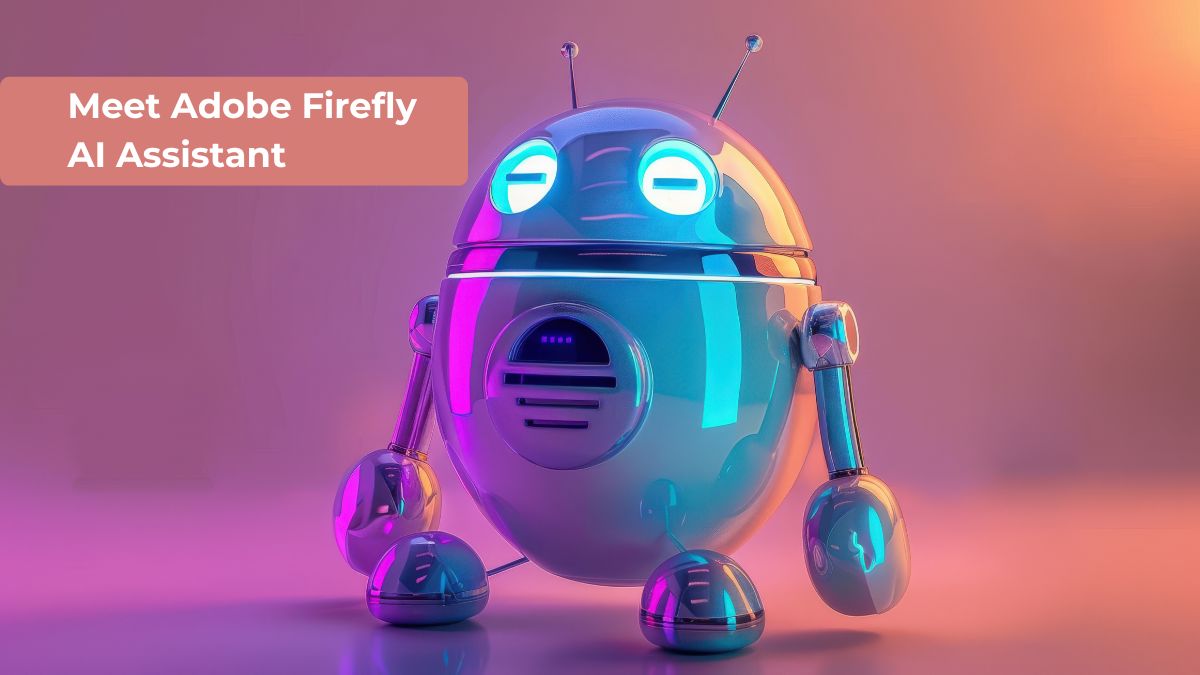
Adobe Firefly AI Assistant is changing the way creative work is done by making it easier to turn ideas into results. Instead of using many steps and tools, users can now describe what they want, and the AI will help complete the task.
With the growth of AI workflow automation, creators don't have to worry about every little detail. According to recent news about Adobe Firefly, this new assistant is designed to make creative processes easier to use while keeping users in control.
Quick Highlights
- Adobe Firefly AI Assistant is a conversational AI tool that turns simple text prompts into complex creative actions across Adobe apps like Photoshop, Illustrator, and Premiere Pro.
- It automates multi-step workflows (editing, designing, resizing, exporting), reducing manual effort and speeding up production.
- It works across Adobe’s ecosystem with cross-app continuity, keeping projects consistent as you move between tools.
- It’s designed for both beginners and professionals, improving productivity while keeping creative control in the user’s hands.
What is Adobe Firefly AI Assistant?
The Adobe Firefly AI Assistant is a smart tool that helps you create and edit content using simple text instructions. Instead of doing each step yourself, you can explain what you want, and the assistant will handle it for you.
This tool is for creative professionals and beginners. It makes it easier to take ideas and turn them into reality, leading to better content.
From Tools to Outcomes
Traditional creative work requires learning tools, shortcuts, and complex workflows. While this gives control, it can also slow down the process.
The combination of AI workflow automation, cross-app functionality, and user control makes it a complete solution. As seen in recent adobe firefly updates, Adobe is focusing on making creative tools more intelligent and efficient.
How Adobe AI Firefly Assistant Works
The assistant works through a simple conversation interface. You describe your idea, and the AI processes your request by connecting different tools and actions.
It automatically performs multiple steps, such as editing, resizing, adjusting visuals, and exporting files. This level of AI workflow automation helps save time and reduce manual effort.
Another important feature is that it maintains context. When you switch between apps, your work doesn't stop. This shows how Adobe's Firefly AI Assistant works across Photoshop and other tools smoothly.
Key Features of Adobe Firefly AI Assistant
Agentic Creativity
The assistant does more than just create content. It can edit images, adjust layouts, and prepare assets for different platforms.
This makes it a powerful tool for automating workflows with AI, allowing users to complete complex tasks quickly.
Conversational Interface
You can use natural language to give instructions, like saying how you want the lighting or how you want to change an image.
This makes the AI assistant easy to use and doesn't require any technical knowledge.
Cross-App Integration
One of the best things about it is that it can be used with many different apps. Adobe's Firefly AI Assistant works across Photoshop, Illustrator, Premiere Pro, Lightroom, and more.
This makes it so that users can move between tasks without having to start over.
Personalized Experience
Over time, the assistant learns what the user likes, the tools they use most often, and how they like to work. This helps it provide more accurate and relevant results.
This feature is frequently mentioned in adobe firefly news as a step toward smarter AI systems.
Creative Skills Library
The assistant includes a library of pre-built workflows called Creative Skills. These allow users to complete multi-step tasks with a single command.
For example, users can create social media content by resizing, formatting, and exporting files automatically. This shows how advanced AI workflow automation has become.
Benefits for Creators
The Adobe Firefly AI Assistant has several advantages that improve productivity and creativity.
- Saves time by doing repetitive tasks automatically
- Makes creative workflows easier to understand
- Makes it easy for beginners to create content that looks professional
- Makes things more consistent from project to project
These benefits make it useful for designers, editors, and content creators.
Real-World Use Cases
Graphic Design
Designers can quickly edit images, create layouts, and generate visuals with AI support.
Video Editing
In Premiere Pro, users can automate editing tasks, making video production faster and more efficient.
Content Creation
Creators can prepare content for different platforms without manually adjusting formats.
These examples show how Adobe's Firefly AI Assistant works across Photoshop and other tools to make creative tasks easier.
Why Adobe AI Firefly Assistant Stands Out
There are many AI tools available, but this assistant is special because it works well with Adobe's products.
The combination of AI workflow automation, cross-app functionality, and user control makes it a complete solution. Adobe is working on making creative tools more intelligent and efficient, as seen in recent Adobe Firefly updates.
Future of Creative AI
AI is quickly changing the creative industry. Tools like this are making it easier for users to turn ideas into reality without technical barriers.
With ongoing adobe firefly news, Adobe continues to invest in AI innovation. The goal is to create tools that are not only powerful but also easy to use.
Tips to Get the Best Results
To get the most out of the Adobe AI Firefly Assistant, start with clear and specific instructions. This helps the AI understand what you want to do.
Try different prompts and explore the Creative Skills library. With time, the assistant will learn to fit into your work habits and help you get better results.
Conclusion
Adobe Firefly AI Assistant is a big improvement in creative technology. It makes workflows easier, reduces manual effort, and allows users to focus on their ideas instead of technical processes.
With strong adobe firefly updates and continuous improvements, this tool is set to change how creators work across Photoshop, Illustrator, and Premiere Pro. As AI continues to evolve, tools like this will become essential for modern creative workflows.
FAQs
1. What is Adobe Firefly AI Assistant?
Adobe Firefly AI Assistant is a conversational AI tool that helps users create and edit content in Adobe apps like Photoshop, Illustrator, and Premiere Pro using simple text prompts instead of manual workflows.
2. How does Adobe Firefly AI Assistant work?
It works through natural language instructions. Users describe what they want, and the AI automatically performs multi-step creative tasks such as editing, resizing, designing, and exporting across Adobe applications.
3. Which Adobe apps support Firefly AI Assistant?
The assistant is designed to work across major Adobe tools, including Photoshop, Illustrator, Premiere Pro, and Lightroom, enabling a connected and seamless creative workflow.
4. What are the key benefits of Adobe Firefly AI Assistant?
It saves time, reduces manual effort, simplifies complex workflows, and helps both beginners and professionals produce high-quality creative content more efficiently.
5. Is Adobe Firefly AI Assistant useful for beginners?
Yes. It is especially helpful for beginners because it removes the need to learn complex tools. Users can create professional-level designs simply by describing their ideas in plain language.
Read Also


Jun 13, 2022
4 Best Membership WordPress Plugins
Having a membership website will increase your reputation and strengthen your engagement w


Comments (0)